Turn Real Estate Photos Into Listing Videos

Upload listing photos and create a ready-to-post Reel package with caption, CTA, hashtags, and a share page.

Photos to video workflow

Turn real estate photos into video without losing the story of the listing

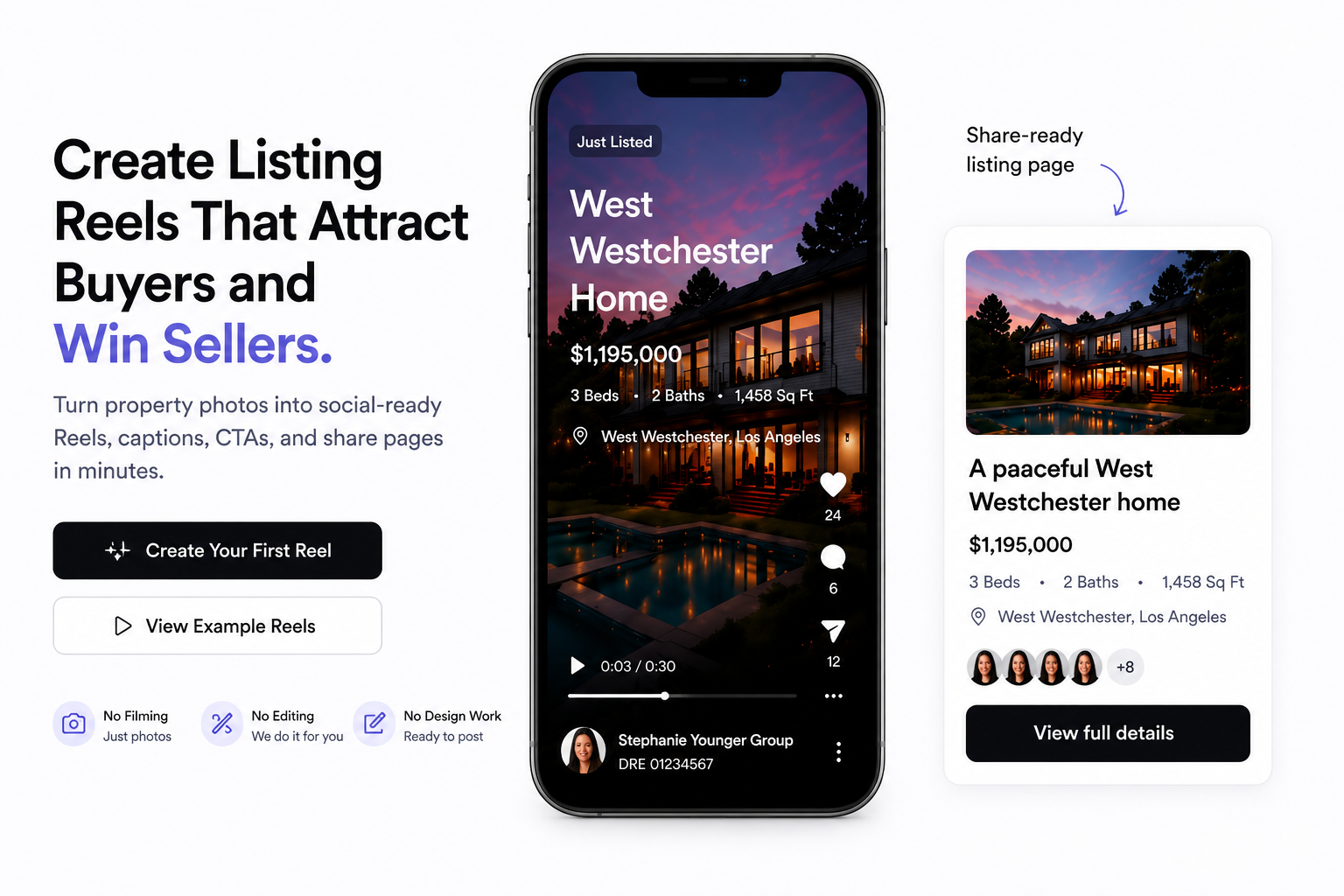
Outlist handles the real estate image to video workflow around the listing itself: photo order, property context, marketing goal, caption, CTA, hashtags, and a share page stay connected. The result is not just a slideshow export. It is a listing marketing package an agent can review, publish, and send to buyers or sellers.

Outlist landing page product preview for real estate listing video generation
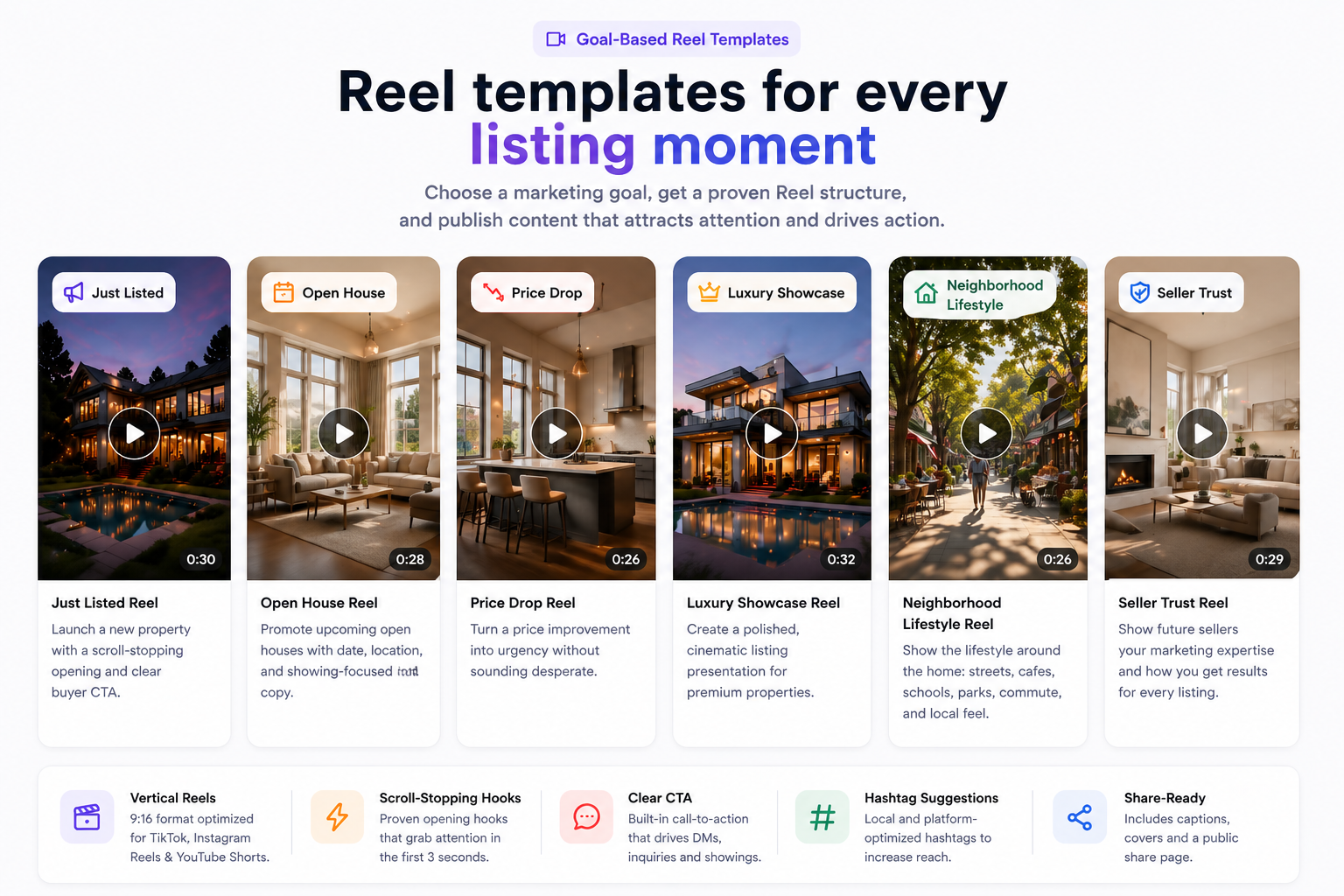
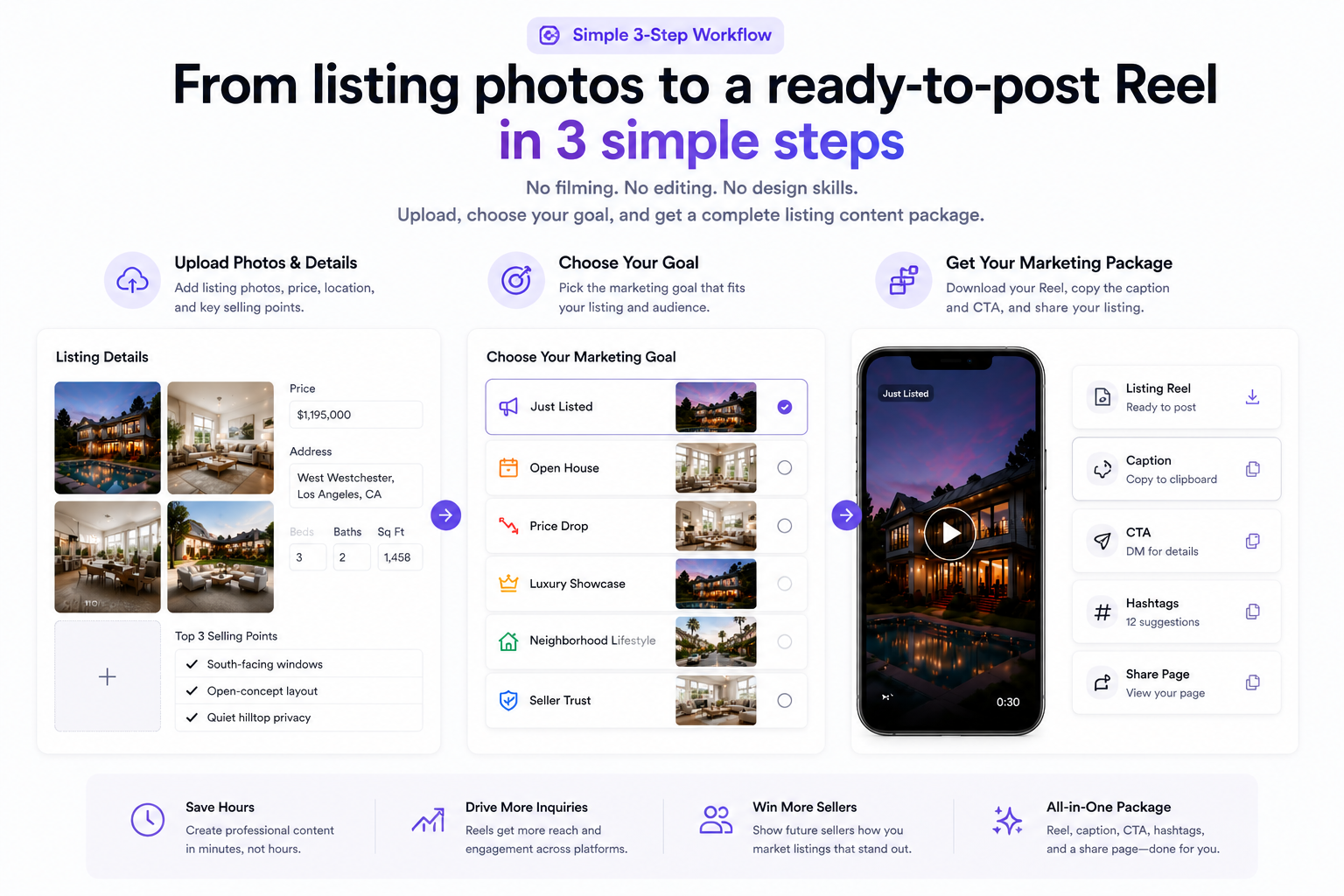
Outlist real estate video template preview
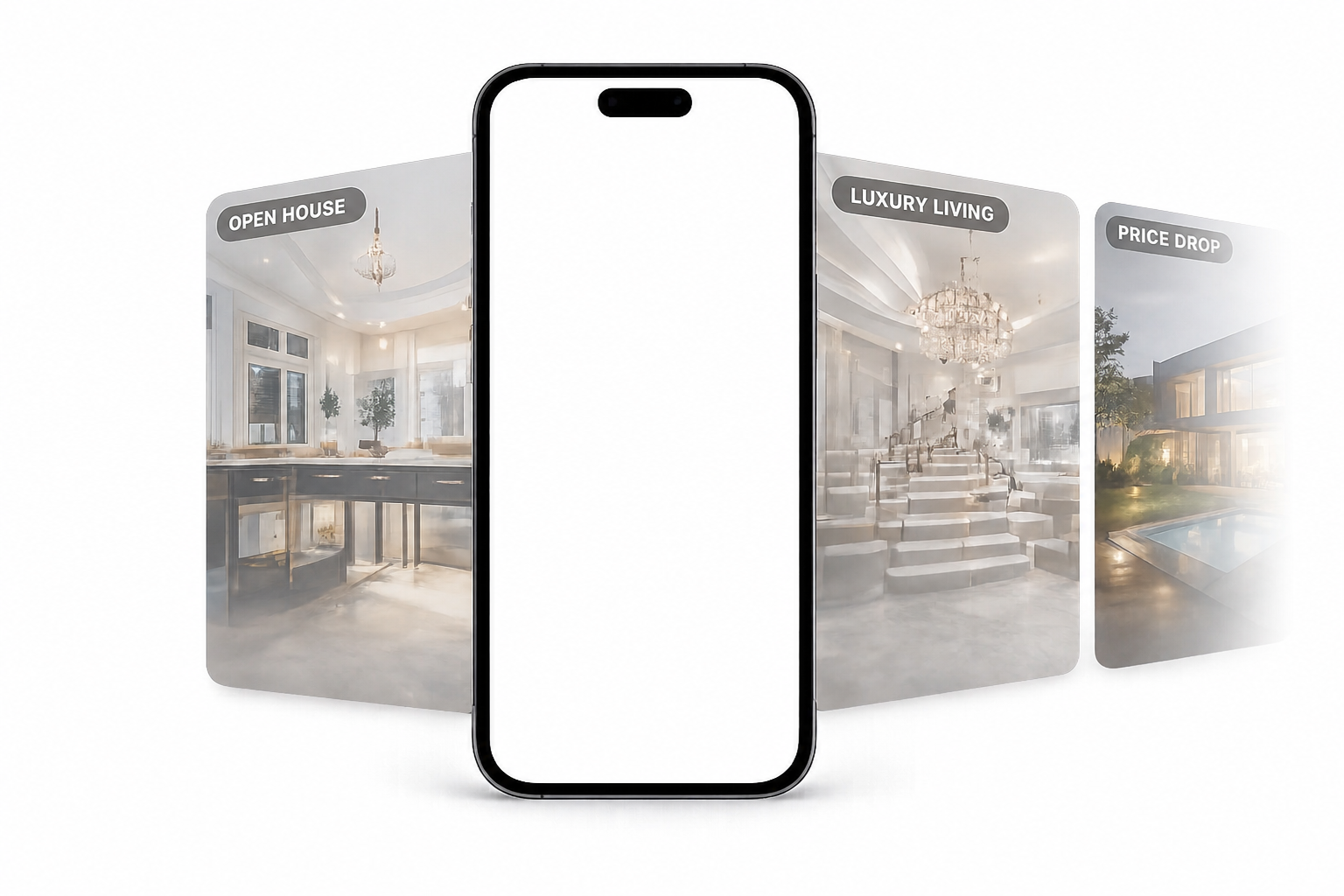
Outlist upload area for arranging real estate photos

Start with the photos you already have

From static photo set to buyer-ready media

Keep the best room order, match the listing moment, and leave with a package that is ready for social feeds and direct client sharing.

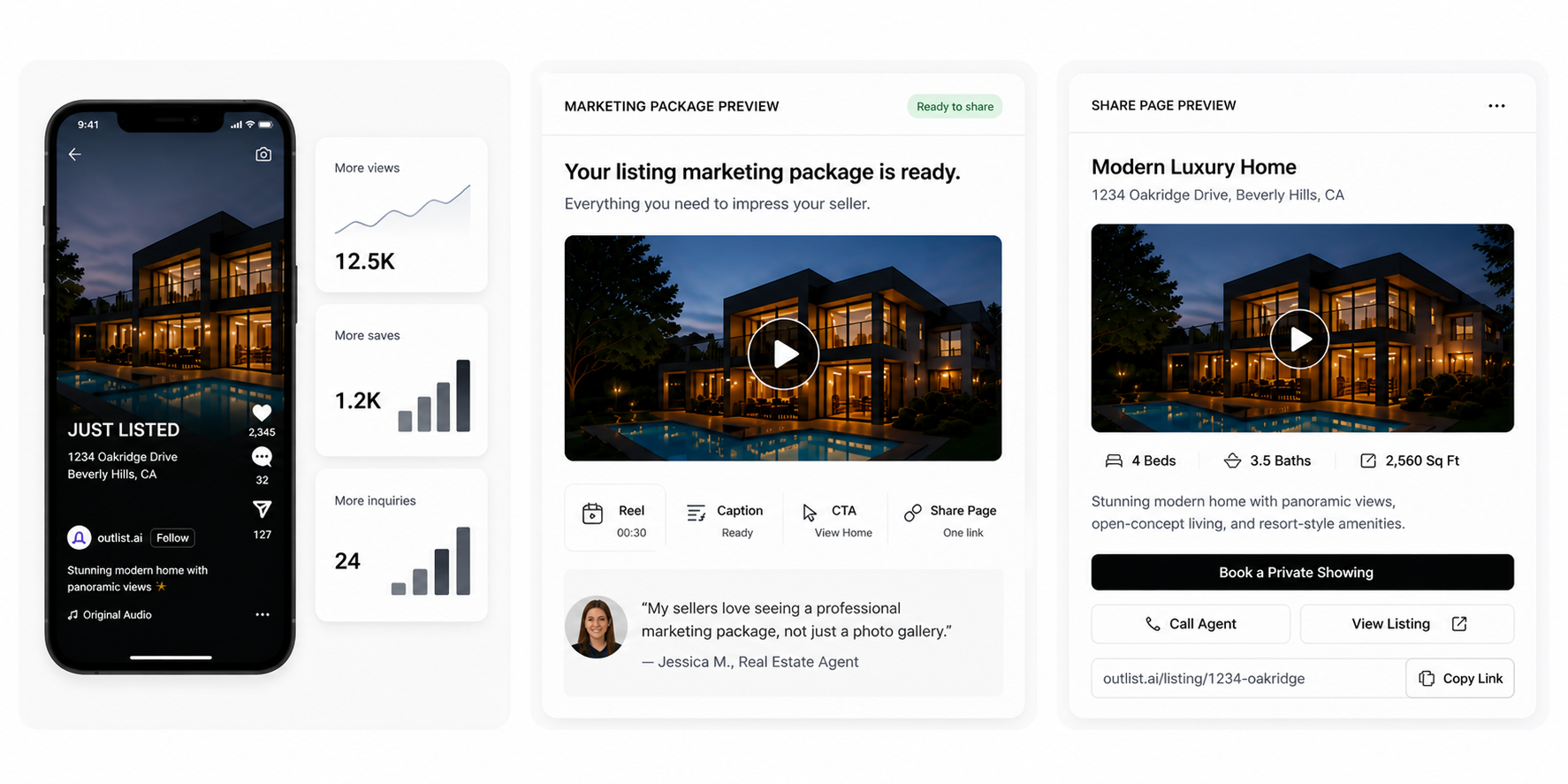
Outlist complete listing marketing package preview

Complete listing package

The video is only one part of what agents need to publish

Outlist keeps the post copy, CTA, hashtags, and public share page connected to the same listing. That matters when an agent searches for real estate photos to video because the job rarely ends at the export. The next step is publishing, sending, and following up with something buyers can actually open.

Featured photos-to-video examples for real estate agents

These examples show how static real estate photos can become vertical listing reels with the surrounding post assets agents need to publish and share.

Just Listed

Price Drop

Open House

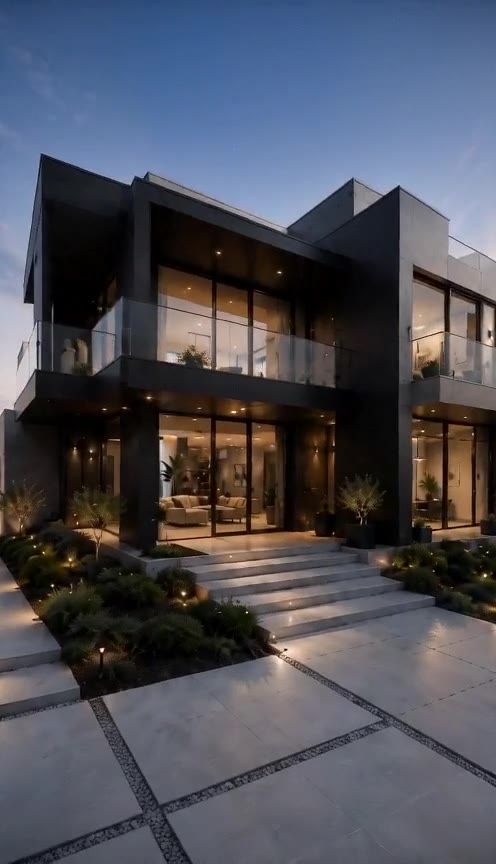
Luxury Listing

How to turn real estate photos into a complete video package

A simple photos-to-video workflow should still help agents make the right publishing decisions after the reel is created.

Upload listing photos

Add the property photos you want to turn into a short-form reel.

Add listing context

Continue to the workspace to add the property title, area, selling points, details, CTA, and contact link.

Choose a marketing goal

Pick the angle that fits the listing, like launch, luxury, open house, or price update.

Generate the reel package

Outlist turns the photos into the reel plus the caption, CTA, hashtags, and share page.

Preview, copy, download, and share

Review the assets, publish the post, and send the share page wherever the listing needs to go next.

WHAT YOU GET

What you get after uploading the photos

The package is designed to answer the practical question behind this search: after my listing photos become a video, what else do I need to publish and share it?

Vertical listing reel

A ready-to-post short-form video built from your real listing photos.

Post-ready caption

Clear listing copy you can post without rewriting from scratch.

CTA

A direct next step that matches the listing moment and audience.

Hashtags

Relevant tags that keep the post ready for publishing.

Public share page

A clean page for sending the reel and listing story to buyers or sellers.

FAQ

How many real estate photos should I upload?

A strong starting point is a focused set of clear listing photos that covers the exterior, main living spaces, kitchen, bedrooms, bathrooms, and any standout features. The goal is to give the reel enough visual variety without uploading unnecessary duplicates.

What types of property photos work best?

Bright, high-quality listing photos with clear room composition work best. Exterior shots, hero interior spaces, and distinctive features such as pools, views, or updated kitchens help the reel feel more complete.

Do I need existing video footage to use this?

No. This workflow is built for agents who already have listing photos and want to turn those photos into a ready-to-post video package without needing separate footage.

Can I use real estate image to video AI for listings?

Yes. Outlist is built for real estate image to video workflows where the uploaded photos need to become a listing-specific reel, not a generic animation. It uses the property photos and listing details to create a vertical video package for that property.

Is this different from a generic photos-to-video slideshow tool?

Yes. Generic tools often create a basic slideshow. Outlist is designed for real estate photos to video use cases, so the video is packaged with the listing caption, CTA, hashtags, and public share page an agent needs after the reel is generated.

What is included in the output besides the video?

The output includes the vertical listing reel, a post-ready caption, a CTA, hashtags, and a public share page. The goal is to give you the full publishing package, not just a single media asset.

Can I share the result outside social media?

Yes. In addition to the reel itself, the public share page makes it easier to send the listing package directly to buyers, sellers, clients, or private groups.

Also explore What is Outlist? · AI Real Estate Video Generator · Real Estate Listing Video Generator · Real Estate Video Editor · Real Estate Video Templates.

Create your first AI listing Reel from photos

Upload listing photos and create a ready-to-post Reel package. View pricing or see everything included.

Create your first AI listing Reel from photos

Upload listing photos and create a ready-to-post Reel package.

Upload Photos