
You do not need editing skills to make property videos. You need a simple workflow that turns listing photos into a short vertical Reel, caption, CTA, hashtags, and a shareable listing page.
Good property videos do not start with software. Good property videos start with a clear listing story and a fast publishing path.
The job is not to become a video editor. The job is to market the next listing without turning it into a production process.
Most agents already have the raw material: listing photos. The missing step is turning those photos into social-ready content while the listing is still fresh.
The Editing Skills You Can Skip for Property Videos
You do not need to learn timeline editing, keyframes, manual transitions, aspect ratios, export settings, motion design, or caption formatting from scratch.
Those skills are useful for creators. Real estate agents need something else: a repeatable way to turn listing assets into publish-ready content.
If a tool makes you watch a tutorial before you can post, it may be solving the wrong problem.
A good no-editing workflow should let you upload listing photos, generate a vertical Reel, review the content package, and publish or share it without touching an editing timeline.
What Good Property Videos Actually Need
A property video does not need to be complicated.
It needs a strong opening image, clean movement through the property, a clear sense of the home's best features, a vertical format for social platforms, and a direct next step for buyers.
The buyer does not care how many editing layers you used. They care whether the home feels worth seeing, and property videos should make that obvious quickly.
For everyday listing marketing, a short vertical video is often enough. A 15-second Reel can show the home's mood, strongest rooms, and key selling point without asking the viewer to commit to a long video.
The No-Editing Workflow for Property Videos
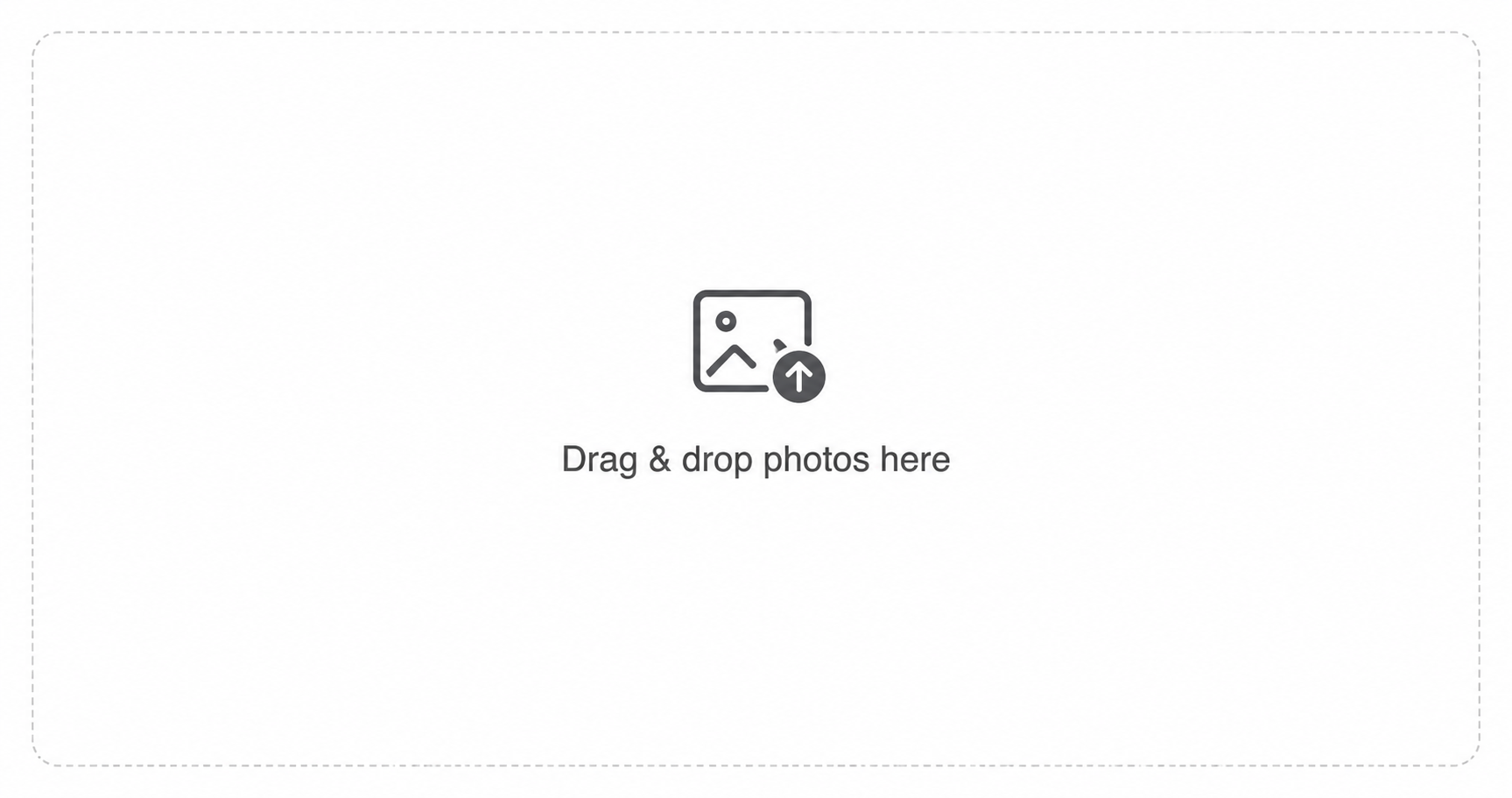
1. Start with listing photos
Use the photos you already have from the listing.
Pick the ones that make the home feel desirable and easy to understand. You are not building a full MLS gallery. You are creating short property videos that can be published quickly.
Good choices usually include the exterior, kitchen, living room, primary bedroom, outdoor space, and one or two distinctive details.
2. Choose the buyer hook
Before generating the video, decide what the listing should communicate.
Ask: who is this home clearly for?
That question keeps property videos from becoming generic slideshows.
Examples:
- A first-time buyer who wants a yard
- A downsizer who wants one-level living
- A family that needs a home office
- A buyer who wants walkability
- Someone who wants move-in ready
- A luxury buyer who wants privacy and views
This hook should guide the caption and CTA. A video without a hook may look nice, but it will feel generic.
Outlist
Skip the editing timeline
Outlist starts with listing photos and creates the Reel package, caption, CTA, hashtags, and share page without asking agents to become editors.
3. Generate a short vertical Reel
This is where AI should remove work, not add more decisions.
With Outlist, the workflow is direct: upload listing photos, choose the marketing goal, and generate a seamless 15-second vertical Reel.
The AI real estate video editor is designed for this exact photo-based job. It is not a raw-footage editing service; it removes the timeline when the starting assets are finished property photos.
That is why property videos work better when the workflow is opinionated instead of open ended.
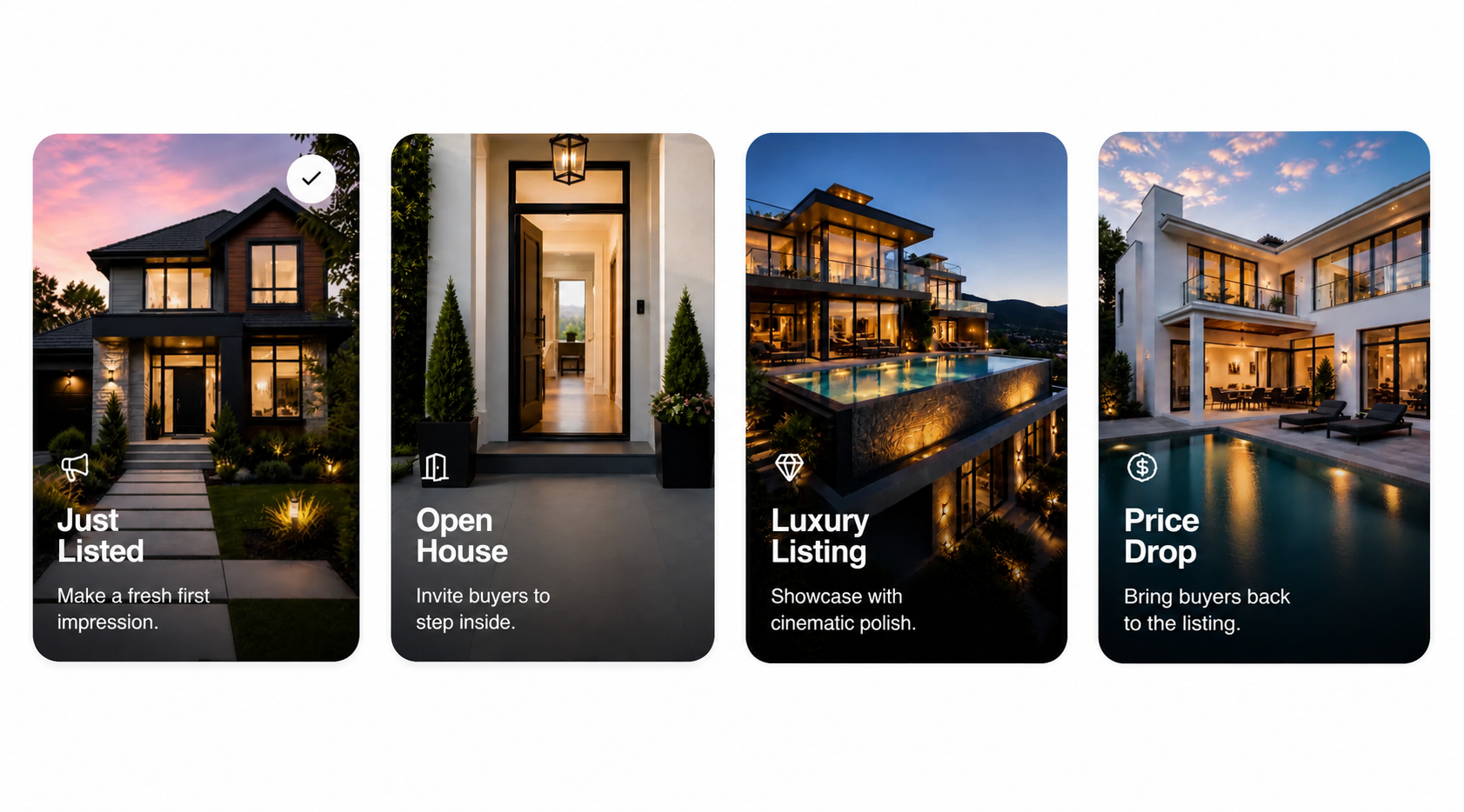
Outlist handles the parts agents usually do not want to edit manually: camera movement, pacing, transitions, music, and sound effects. The result is designed for vertical platforms like Instagram Reels, TikTok, YouTube Shorts, and Facebook.
The agent does not need to drag clips around a timeline, resize the video, pick transitions, or worry about export settings.
4. Add caption, CTA, and hashtags
Property videos are easier to publish when the post copy is already included.
Use the buyer hook to make the caption specific.
Not:
Beautiful property, must see.
Better:
If you have been waiting for a move-in ready home with a real backyard in [city], this one is worth seeing.
Then add one next step:
DM for details or book a showing.
Outlist lets agents choose the primary CTA directly. Current options include:
- Schedule a Showing
- Request More Details
- Book a Private Tour
- Contact the Agent
Outlist helps package the Reel with caption copy, CTA, and hashtags, so the agent is not left with a finished video but an unfinished post.
5. Create a shareable listing page
This is the step many video tools skip.
A video file is useful, but a share page makes the content easier to send, reuse, and present.
With Outlist, the finished package can include a public share page with the Reel, property details, highlights, price, location, and contact path. Agents can send the page to sellers, buyers, leads, or prospects without building a separate landing page.
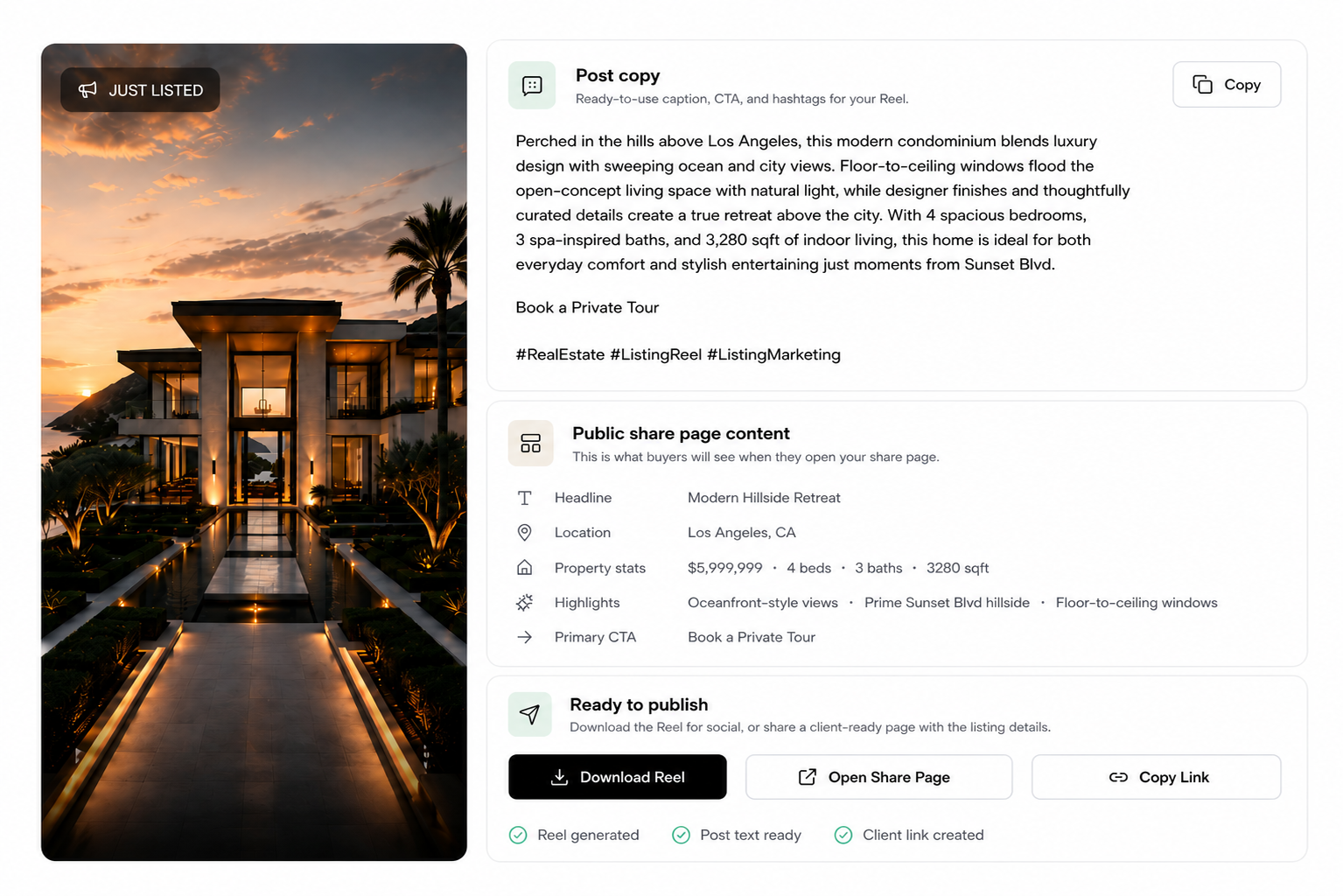
Because the page is public and indexable, it can also give the listing another surface for Google discovery beyond the social feed.
6. Publish and reuse
Do not treat the video as a one-time post.
A single property Reel package can be reused for a Just Listed announcement, Instagram Story, TikTok post, YouTube Short, Facebook post, Open House reminder, seller update, follow-up email, or text message to interested buyers.
The point is not to create one piece of content. The point is to get more value from the listing assets you already have.
The Good-Enough-to-Post Standard for Property Videos
Many agents get stuck because they compare every piece of listing content to a full professional production.
That is the wrong bar for everyday social content.
The better bar is:
- Would the seller be happy to see this?
- Would a buyer understand the home quickly?
- Does the video make the property feel worth seeing?
- Is there a clear next step?
- Can I repeat this for the next listing?
If yes, publish it.
Consistency beats occasional perfection. Property videos published while the listing is fresh are often more useful than a perfect video that arrives too late.
Where Outlist Fits for Property Videos
Outlist is built for agents who want property videos and listing videos without editing work.
The workflow is simple:
- Upload listing photos.
- Choose the marketing goal.
- Fill in key listing details.
- Generate a 15-second vertical Reel.
- Get caption copy, CTA, and hashtags.
- Create a public share page.
- Post, send, and reuse the content across channels.
You do not need filming, editing software, a blank design canvas, or a separate landing page builder.
Outlist turns the listing photos agents already have into a complete Reel package they can actually publish.
FAQ
Can I make property videos without editing experience?
Yes. AI tools like Outlist can create property videos from listing photos without manual video editing. The agent uploads photos, generates a vertical Reel, and gets supporting post copy.
What is the easiest way to make a real estate video?
The easiest way is to use existing listing photos, generate a short vertical video, add a buyer-focused caption and CTA, then publish it across social channels.
Do property videos need professional footage?
Not always. Professional footage is useful for high-end campaigns, drone shots, walkthroughs, and agent-on-camera content. But many everyday property videos can be made from strong property photos.
What should a property post include?
A good property post should help buyers understand the home quickly and know what to do next. That usually means property videos with a short vertical Reel, a clear buyer benefit, caption copy, a CTA, relevant hashtags, and a link to view more listing details or book a showing.
Can I use one property video on multiple platforms?
Yes. Property videos can be reused across Instagram Reels, TikTok, YouTube Shorts, Facebook, email, and seller updates. A share page can also make the content easier to send directly.
The Bottom Line
You do not need editing skills to make property videos.
You need a simple path from listing photos to publish-ready content. The best property videos workflow helps you create the Reel, caption, CTA, hashtags, and share page without adding another production process.
That is where Outlist fits: it turns the assets you already have into a 15-second vertical Reel package you can post, send, and reuse.
Outlist
Make the next property video without opening an editor
Upload listing photos to Outlist and get a ready-to-post Reel package with copy, CTA, hashtags, and a share page.
Related Reads
- How to create a real estate listing video from photos
- Best AI video generator for real estate agents
- AI real estate video makers compared
- AI real estate videos vs hiring a videographer
- Outlist vs Canva for real estate videos
- AI real estate video editor without a timeline
- Learn what Outlist is
- Outlist features for listing video marketing